Workflow · AI agent builders
Knot your API to any AI agent
You want Claude / Cursor / Copilot to call your internal services with the right shape of arguments, not a free-text prompt you have to keep fixing.
Bowire’s MCP adapter turns every discovered method into an MCP tool with JSON Schema input, validates arguments before invocation, and returns results over stateless streamable HTTP (POST-only) — zero hand-written adapter code.
One flag, every method becomes a tool
No manual tool definitions. Bowire enumerates your services, maps each method’s input schema to JSON Schema, and exposes the lot via the MCP streamable-HTTP transport.
Enable the adapter
--enable-mcp-adapter on the CLI, or .WithMcpAdapter() chained onto MapBowire() in embedded mode. That’s the whole opt-in.
# Standalone, against any server
bowire --url https://api.example.com --enable-mcp-adapter

# Then in Claude Desktop config:
# "my-api": {
#   "url": "http://localhost:5080/mcp"
# }
Bowire hosts the MCP endpoint at {prefix}/mcp, responds to initialize, tools/list, tools/call, and ping. Every unary method Bowire discovers — across gRPC, REST, SignalR, GraphQL, any protocol plugin — becomes a typed tool.
sequenceDiagram
    autonumber
    participant Agent as AI agent
    participant Bowire
    participant API as Target API

    Agent->>Bowire: tools/list (at /mcp)
    Bowire-->>Agent: typed tool catalogue
    Agent->>Bowire: tools/call (typed args)
    Bowire->>API: InvokeAsync
    API-->>Bowire: response
    Bowire-->>Agent: tool result
tools/call through its protocol plugins (gRPC, REST, GraphQL, …) to the target API.Bowire is also an MCP client
Point Bowire at someone else’s MCP server and browse their tools / resources / prompts in the same sidebar — typed forms, response viewer, history.
Inspect tools published by other agents
Your agent doesn’t work? Bowire becomes a debug probe for the same MCP server it’s hitting.
bowire --url http://localhost:5000/mcp runs the discovery pass against an MCP server, surfaces tools, resources, and prompts as separate service categories in the sidebar, maps each tool’s inputSchema to Bowire’s form UI, and dispatches invocations through the same JSON-RPC client an agent would use.
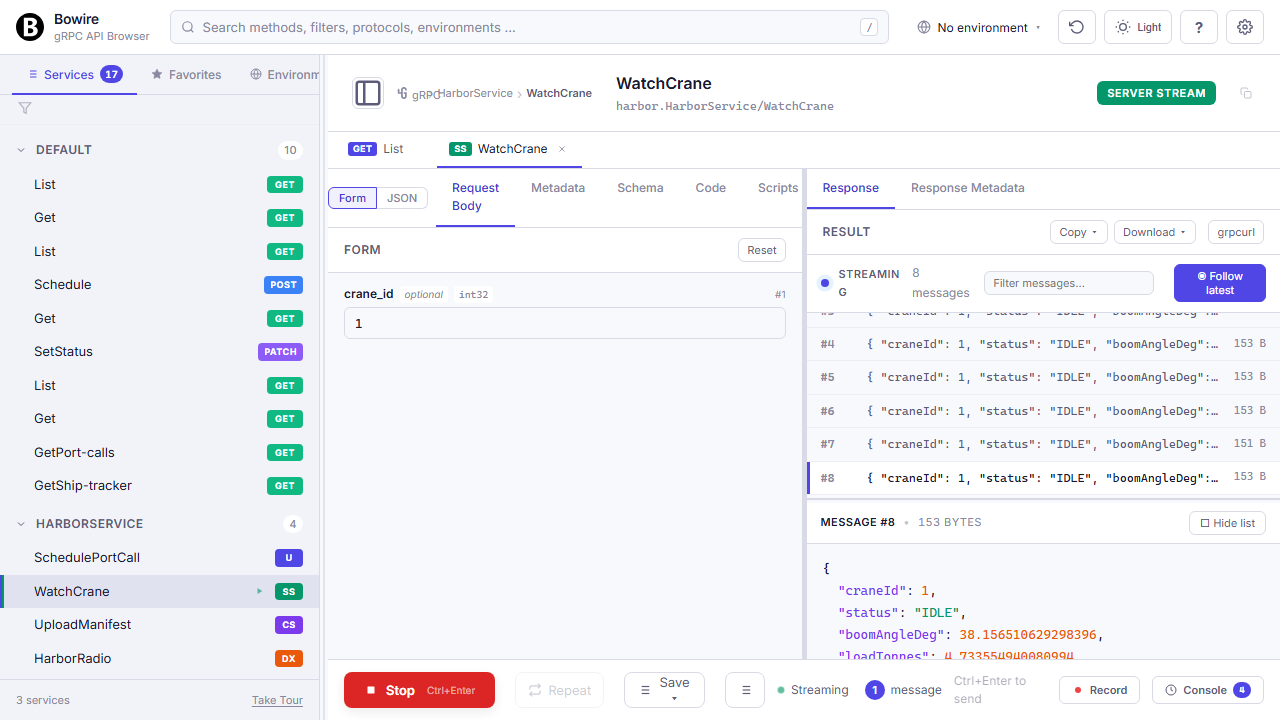
Streaming tools (streamable-HTTP transport, chunked responses) render in the same Wireshark-style message view as gRPC streams.
Streaming view in detail →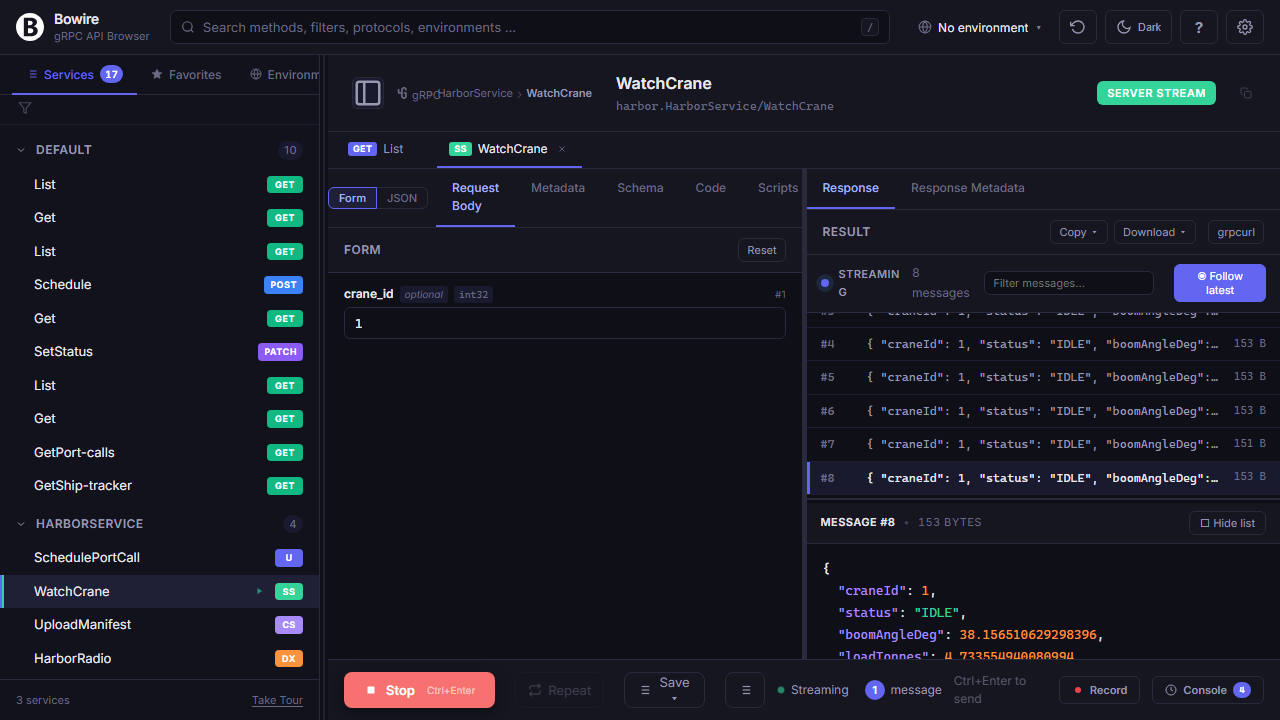
Debug the assistant’s side of things
Record the calls the agent is making and compare them to what the agent claims it did. Assertions on the response shape catch tool drift early.
Record agent sessions for reproducibility
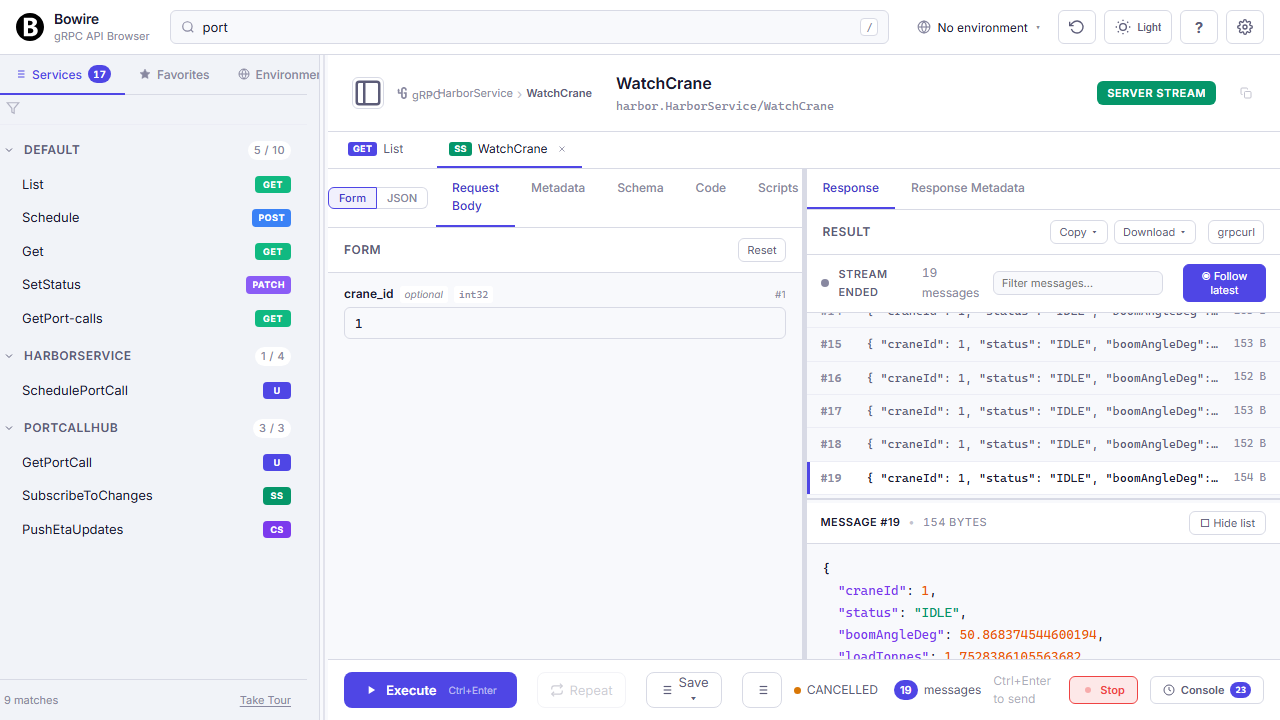
Turn on recording while the agent is running, capture every tool invocation, replay against a test env to confirm behaviour.
Every tool call the adapter handles is a regular Bowire request — same recording, same environment substitution, same assertions. Great for post-mortems when an agent “hallucinated” a result that actually came from a call you didn’t expect.
Recording in detail →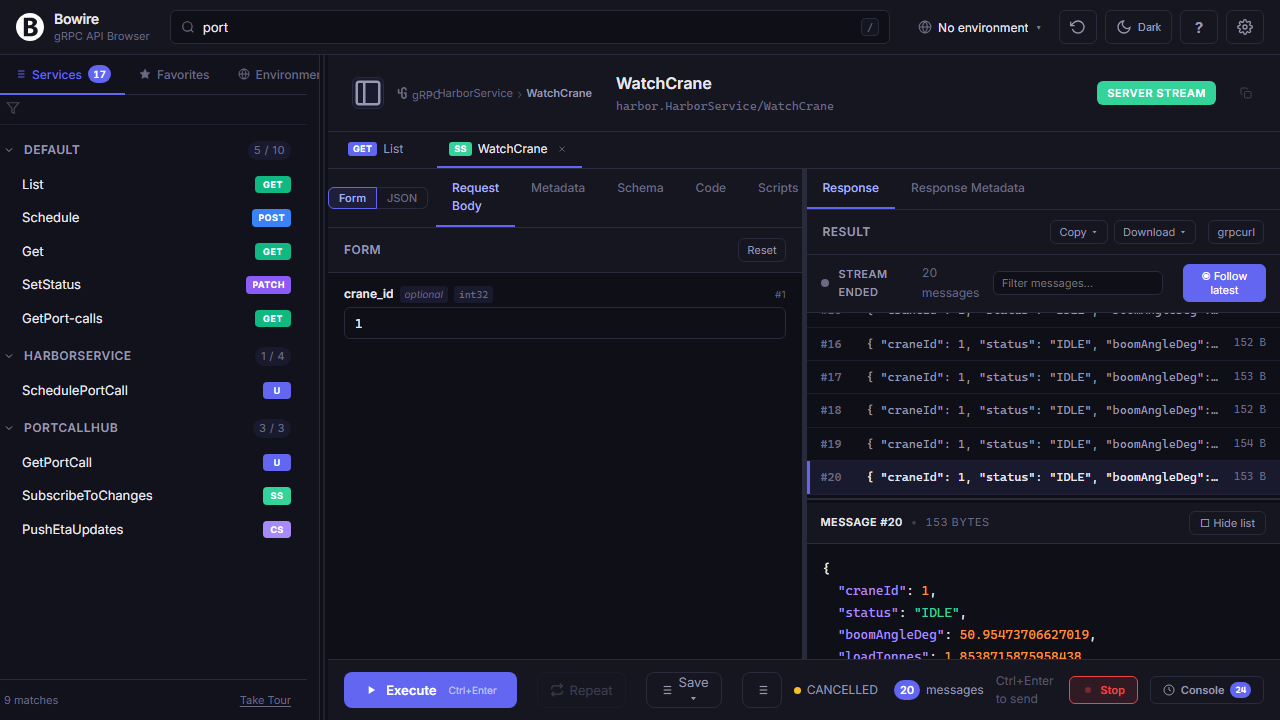
Ship typed tools to your agent
Flip one flag, get a full MCP tool catalogue. Debug with the same UI you use to invoke the services by hand.