What sets Bowire apart
The cards on the home page give you the gist; this page gives you the substance.
Each section links to the technical documentation when you need the full picture.
Embedded — zero config
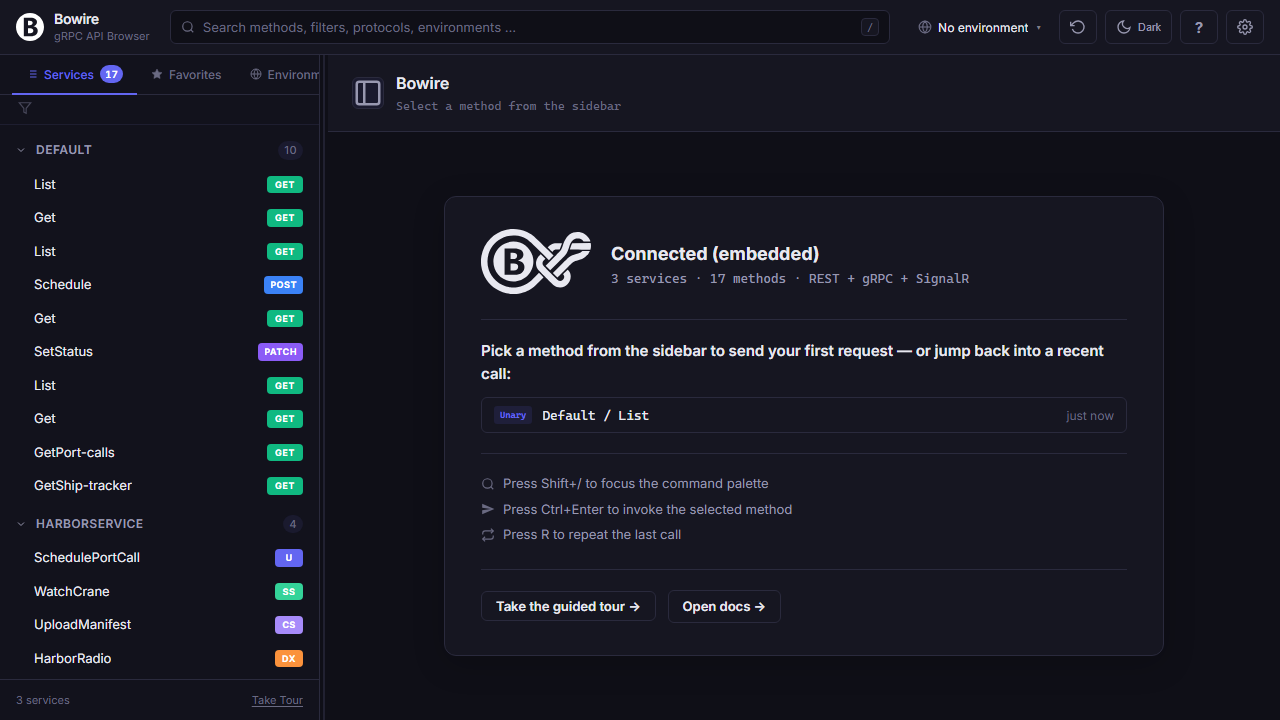
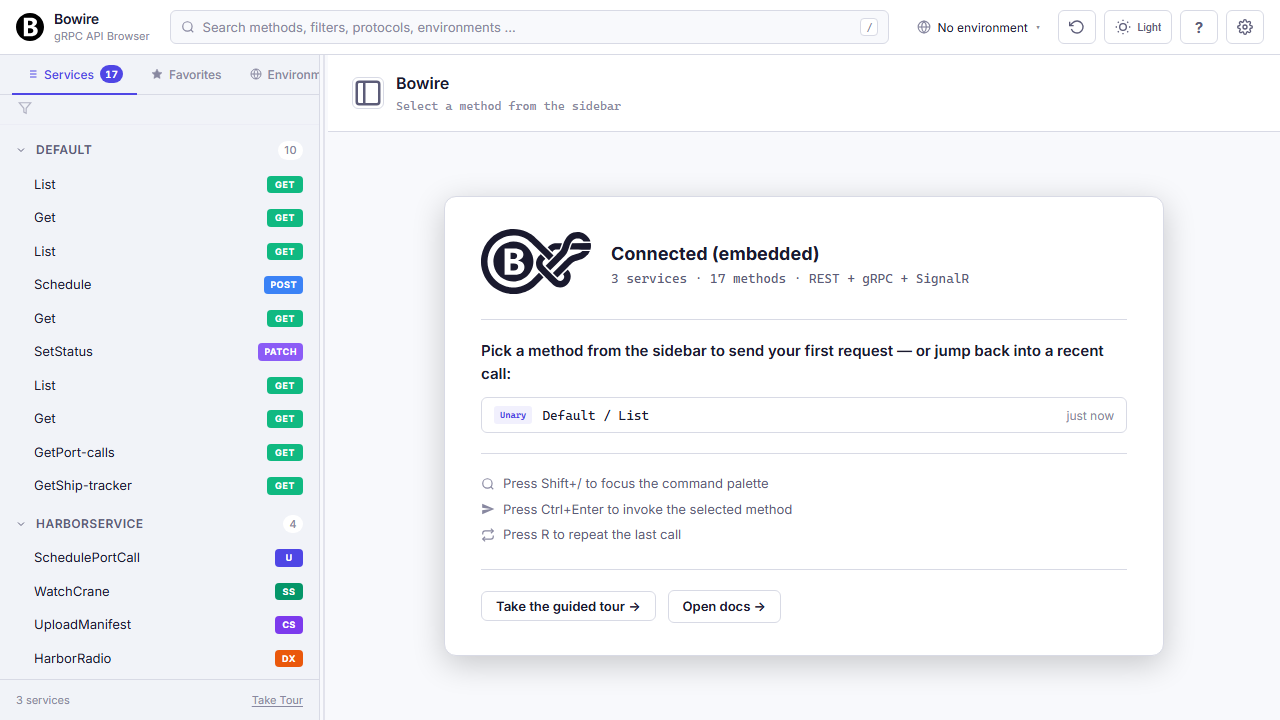
AddBowire() + MapBowire() in Program.cs, and Bowire ships next to your service. No companion process, no extra container, no shared database.
The plugin host hooks into the same DI container your app already builds. AddBowire() wires up the protocol registry, plugin loader, and middleware that exposes the workbench at /bowire. MapBowire() attaches the routes; everything else — discovery, invocation, recording — runs in-process against the live IServiceProvider.
Protocol prerequisites that you'd normally wire by hand are added automatically: gRPC plugins call AddGrpcReflection(), REST plugins read the existing IApiDescriptionGroupCollectionProvider, SignalR plugins enumerate mapped hubs via EndpointDataSource. No schema files, no manual endpoint registry, no parallel proto / yaml to keep in sync.
100% Local — no cloud
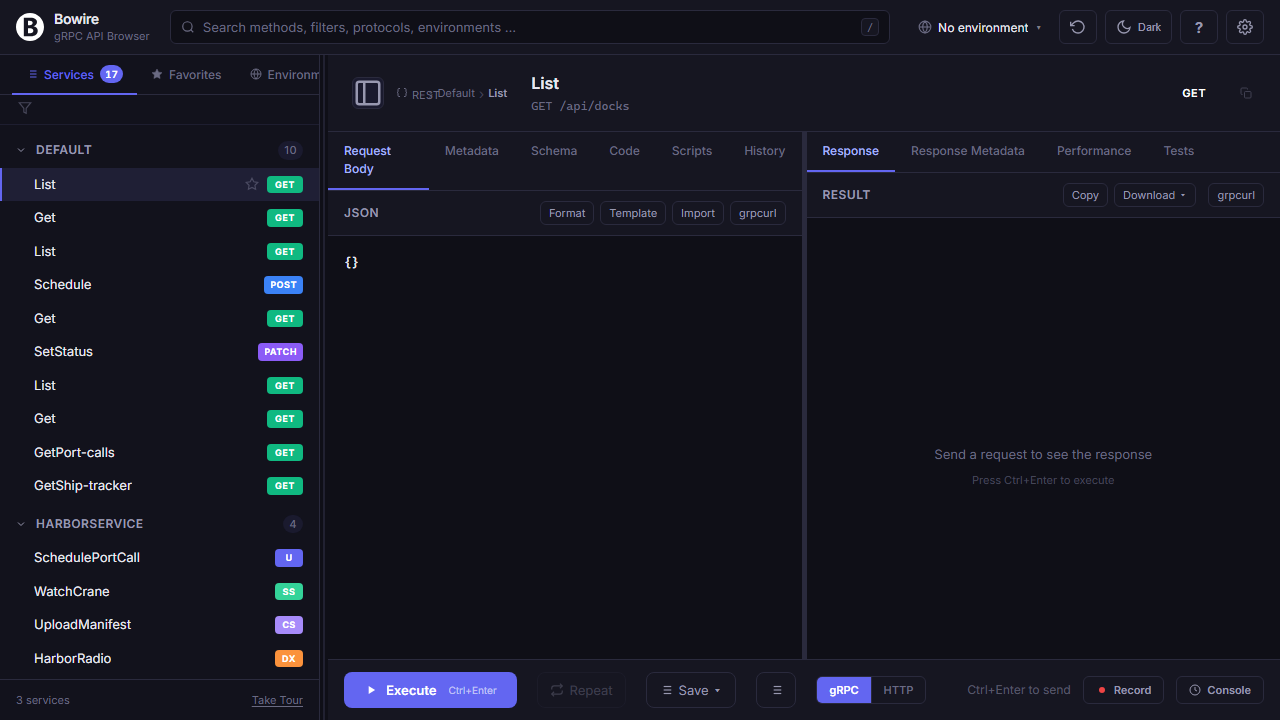
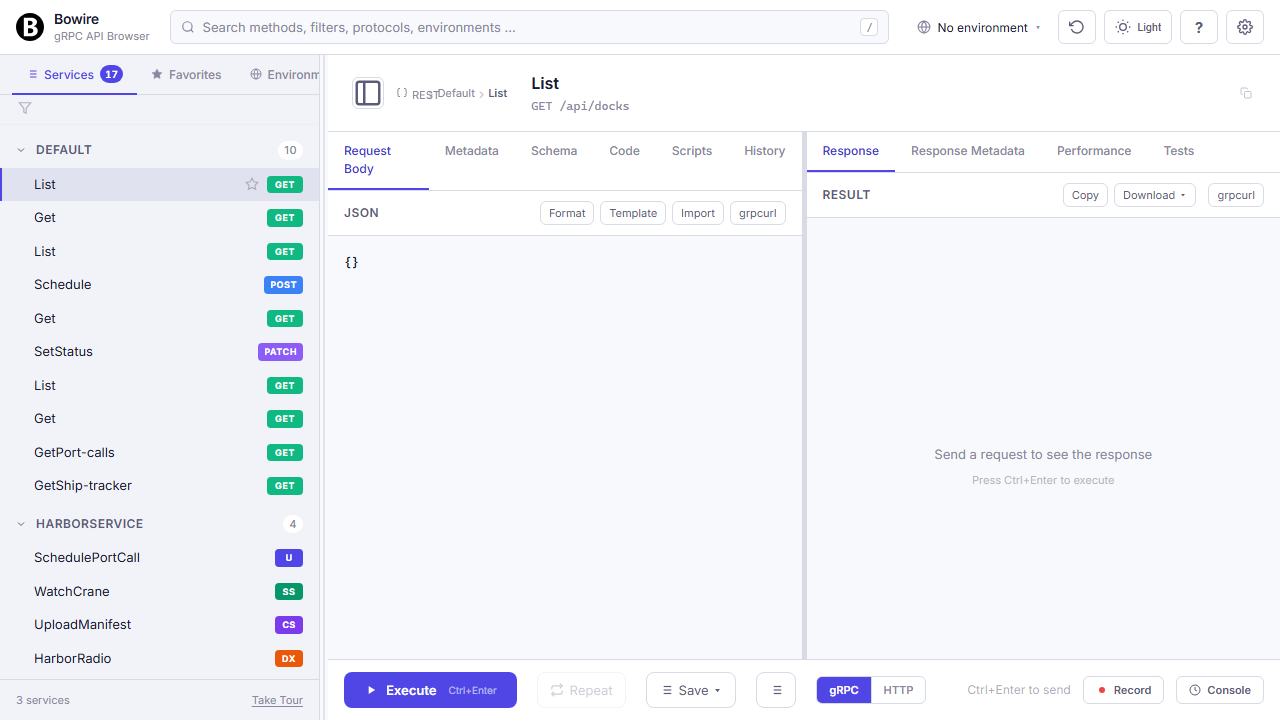
No accounts. No telemetry. No data leaves your machine. Bowire persists every credential, recording, and environment to your disk.
Workspace state lives in browser localStorage (per-origin, so dev/staging/prod each have their own). Recordings, plugins, and shared environments persist under ~/.bowire/ — a plain JSON tree on the file system that you can grep, diff, and check into a private repository if your team wants shared environments without paying for a sync service.
Outbound connections only happen when you tell Bowire to make one: clicking Execute hits the target API, that's it. No background pings, no opt-out telemetry, no remote feature flags. Enterprise security teams sign off on this in minutes — there's nothing to put in a Data Processing Agreement because there's no third party in the chain.
Read the technical docs →AI-agent ready with MCP support
bowire mcp serve turns every protocol Bowire knows into a tool an AI agent can call. Claude, Cursor, Copilot, custom MCP clients — same wire, same auth, same recordings.
The adapter exposes Bowire's core primitives (bowire.discover, bowire.invoke, bowire.record.start, bowire.mock.start, …) as first-class MCP tools. An agent can chain discover → invoke → assert → switch env → replay the same way a human would in the workbench — just in parallel and without patience-cost.
Two transport modes: stdio for local Claude-Desktop-style clients, HTTP for Cursor / Copilot / remote agents. Auth piggy-backs on whichever provider the workbench itself runs under, so the agent never sees a second credentials store. Tools are gated by the same allow-list the workbench uses — the agent can't reach a method a human couldn't.
Read the technical docs →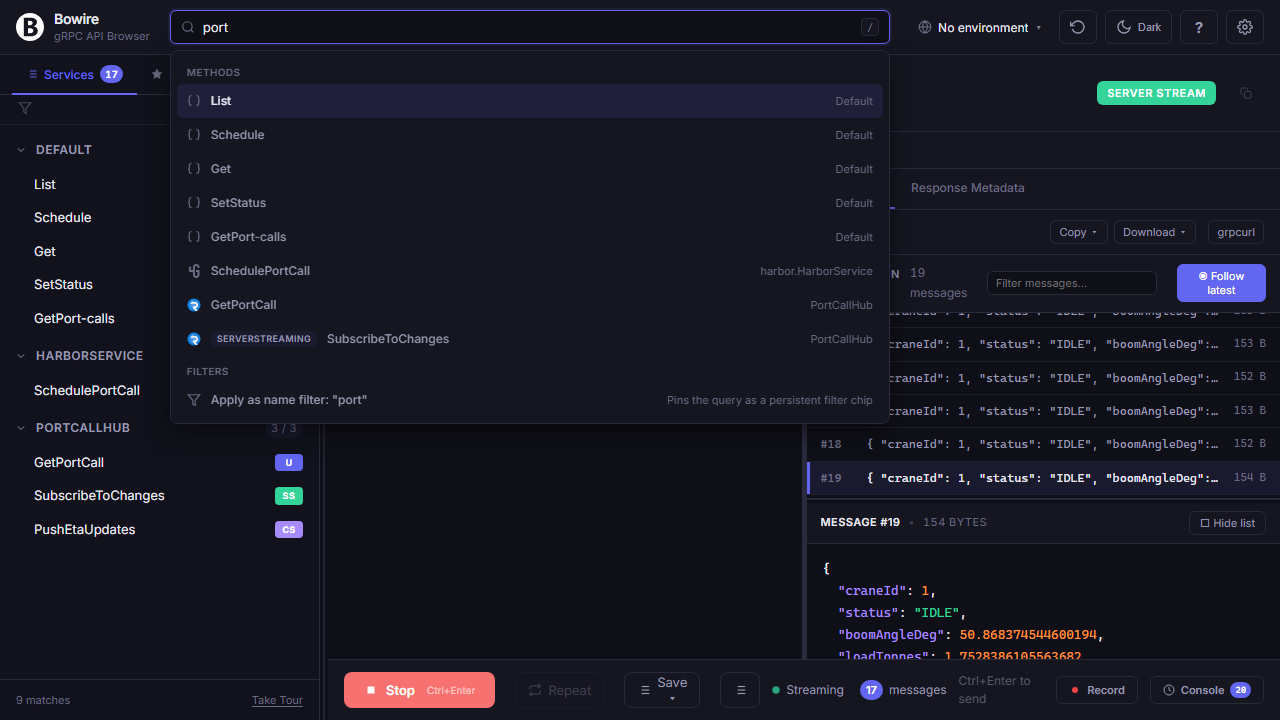
Security scanner with Nuclei templates
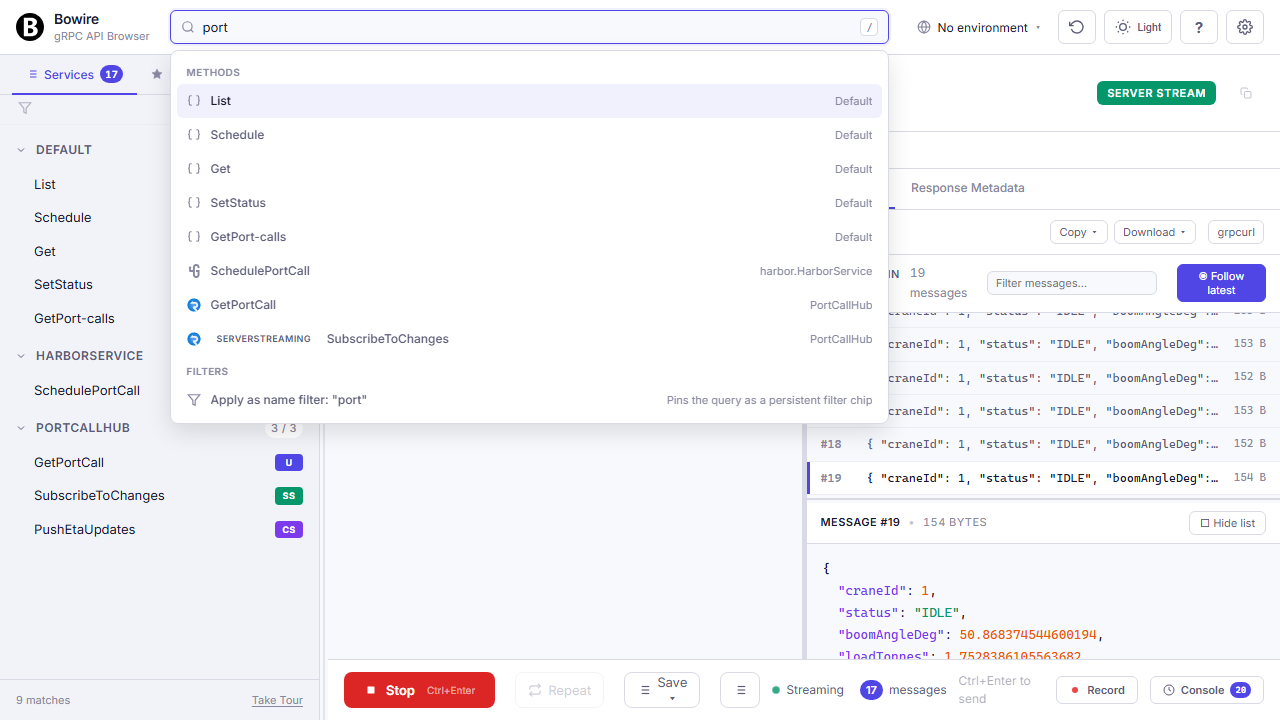
bowire scan --target https://your-api runs vulnerability templates against the API surface Bowire already discovered, and emits SARIF 2.1.0 that your CI ingests unchanged.
Two template sources at once: Bowire's own JSON templates (the curated baseline shipped in Bowire.VulnDb) plus the 8000+ Nuclei community templates via --nuclei <dir>. Both feed Bowire's native AttackPredicate engine — same matchers, same payload variables, no separate runtime.
Findings emit as SARIF 2.1.0 — straight into GitHub Code Scanning, GitLab Security Dashboard, Azure DevOps. Built-in passive checks (TLS-version enumeration, version-disclosing headers, verbose-error detection) fire on day one without writing a template, so the scanner is useful before anyone authors a single attack predicate.
See the security solution overview →$ bowire scan --target https://api.example.com \
--nuclei ~/nuclei-templates \
--out findings.sarif --severity medium
142 template(s) processed:
[ok] built-in.tls-1.0 medium
[VULN] built-in.banner-disclose low Server: nginx/1.18.0
[VULN] CVE-2024-12345 high /api/v1/admin (header bypass)
SARIF report -> findings.sarifBuild your own protocol
Every protocol is a NuGet package implementing IBowireProtocol. Discovery, Invoke, Stream, Channel, Settings — one interface, infinite protocols.
Plugins ship as ordinary NuGet packages. Bowire loads them into per-package AssemblyLoadContexts so a plugin's transitive dependencies don't collide with the host or with each other — you can install the gRPC plugin (which pins one Google.Protobuf version), the GraphQL plugin (which pins another), and a third-party protocol (which pins a third), and they all coexist.
Authoring is six methods on one interface: DiscoverAsync, InvokeAsync, InvokeStreamAsync, OpenChannelAsync, the static plugin metadata, and the optional IBowireMockEmitter for mock replay. The same contract powers the official plugins (gRPC, REST, GraphQL, SignalR, …) and external ones (Surgewave, Kafka, DIS, UDP, AMQP). End-users scaffold via dotnet new bowire-plugin --name MyProtocol and ship to NuGet; consumers install via bowire plugin install <package-id>; air-gapped users via bowire plugin download + install --file.
Record and replay
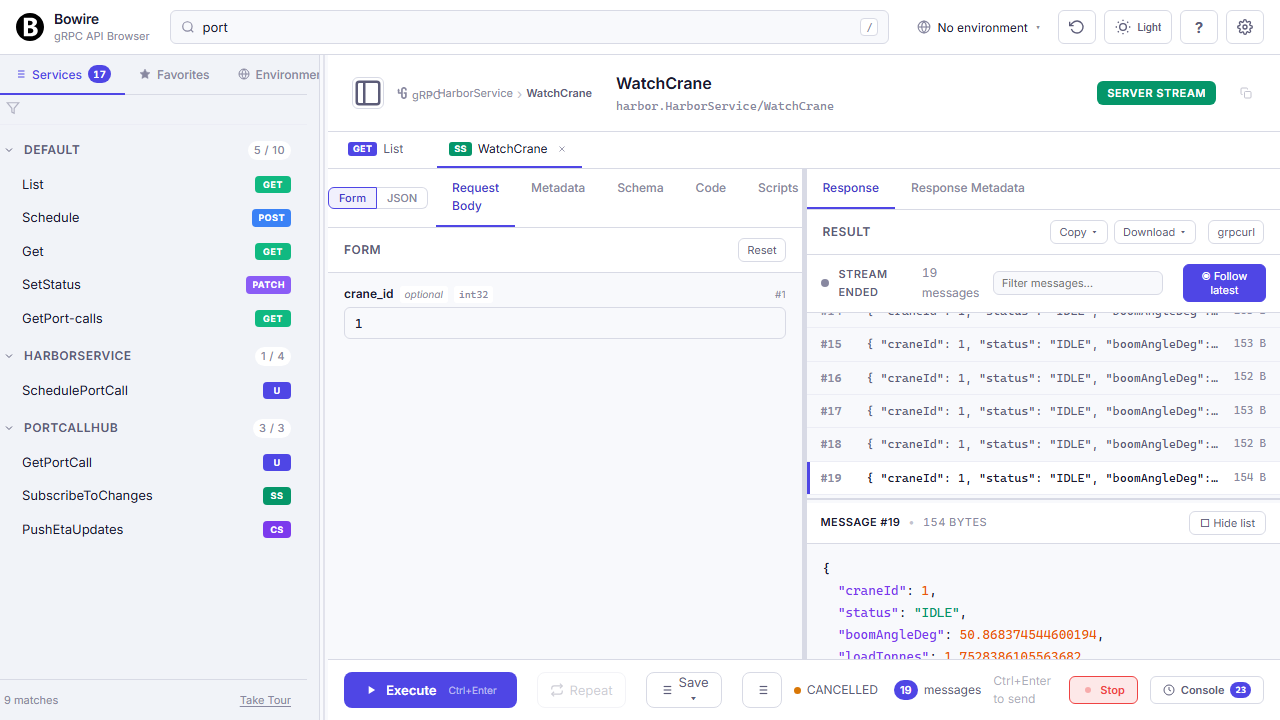
Capture a real session once. Serve the exact same responses back as a live mock endpoint — same protocols, same payloads, same timing.
Click Record, run a sequence of calls, click Stop: now you have a JSON file with every request, response, status, header, and inter-call timing across every protocol you touched — gRPC streams next to SignalR hub invocations next to MQTT publishes next to REST hits, all on one timeline. Replay against another environment to spot drift, convert into test assertions for CI, export as HAR for teammates, or hand it to bowire mock to serve the recording back as a live multi-protocol mock.
Mocks aren't simulators, they're playback: every byte is what the real server actually sent. The mock server speaks every protocol the recording captured, so a test client sees exactly what production does — useful for unblocking frontend work before the backend ships, running offline contract tests, or sharing a realistic sandbox with a stakeholder without exposing the real environment.
Read the technical docs →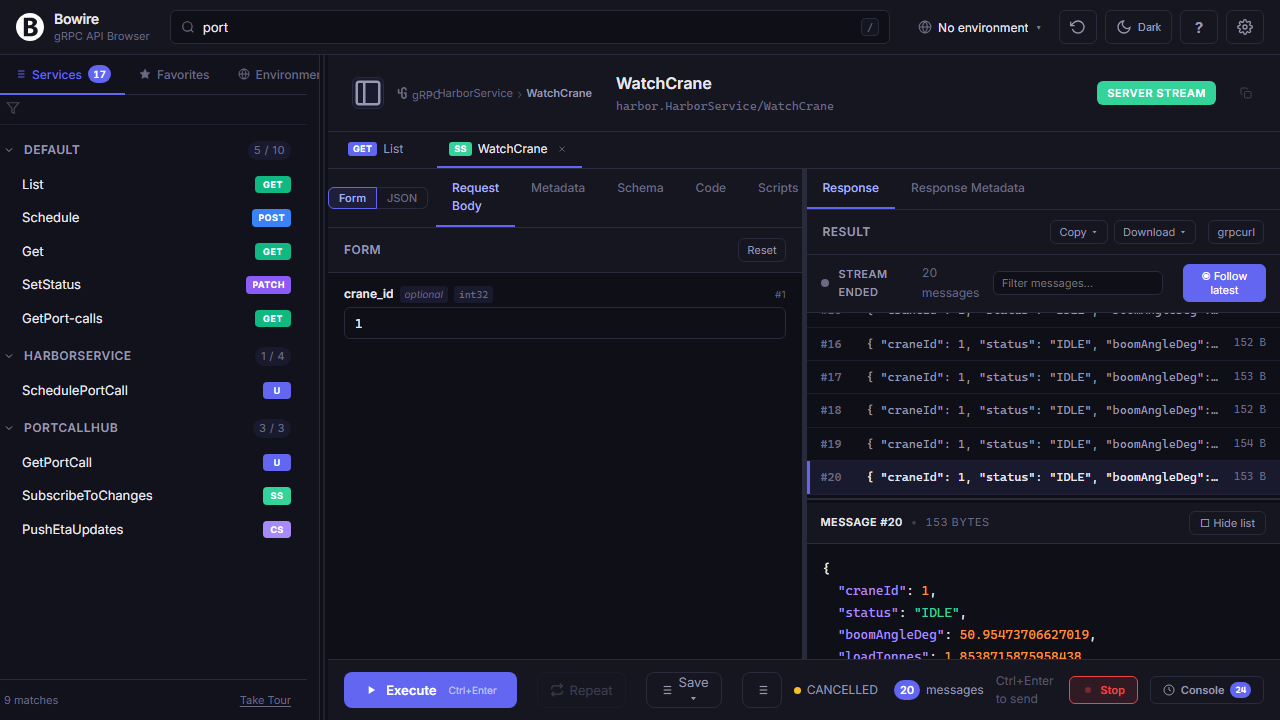
More than these six
The differentiators on this page are the headlines. The full feature list — auto-discovery, every call type, environments, auth helpers, performance graphs, response chaining, command palette, keyboard shortcuts — lives on the features page.
Different angle, same boat. Join the crew →